Language
 English
English
English
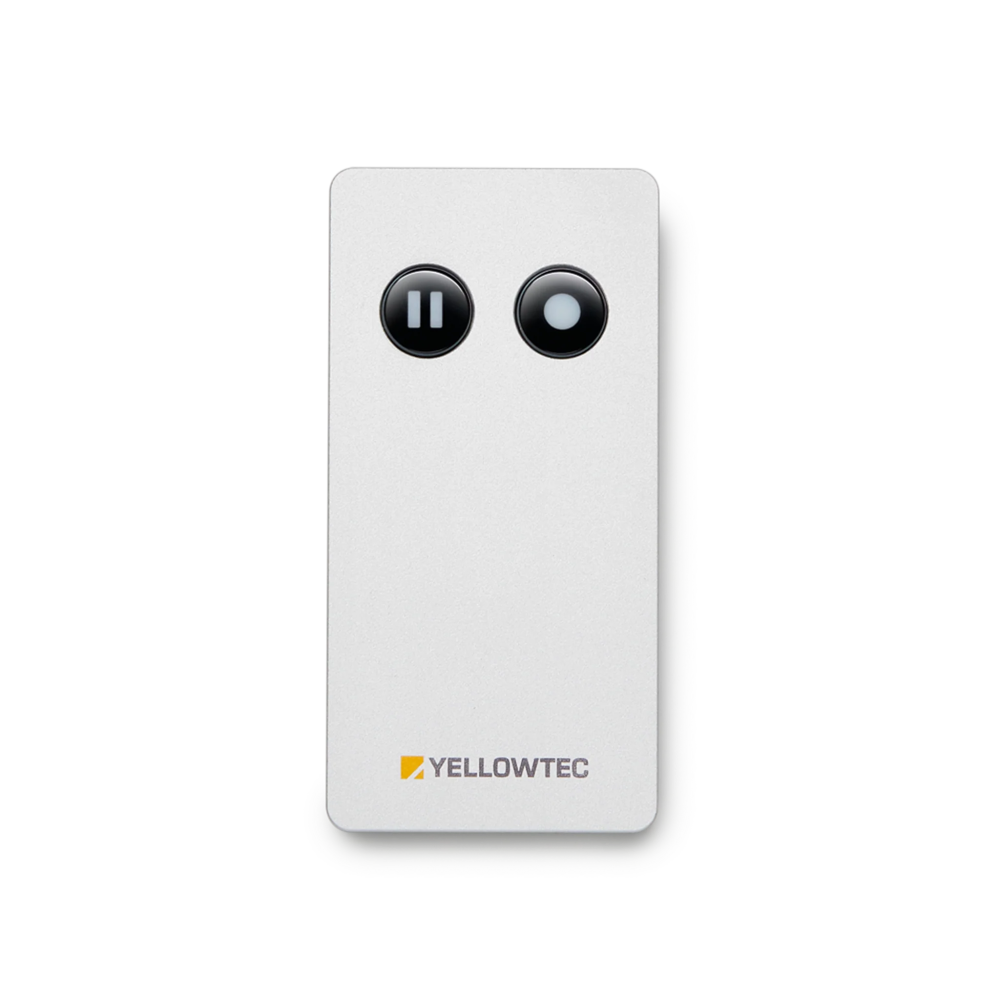
The hush Remote serves as a comfortable control option to control a hush or hush+ OnAir Controller. To control hush you have a choice of five modes. Choose Remote mode to manage your OnAir signaling at the push of a button by using the hush Remote. As a standalone solution, the hush Remote provides extremely convenient control over hush. It perfectly suits all users whose existing equipment does not support red light control. A hush Remote has to be used with a hush or hush+ OnAir Controller. Easily connect the hush Remote to your hush device via the provided USB-C cable and get started.
Via the hush Remote's OnAir button, you can handle your OnAir signaling on your m!ka Mic Arm's LED OnAir indicator. Press the OnAir button on your hush Remote to indicate on your m!ka Mic Arm that you are OnAir. As soon as you do so, the LED signal of your m!ka Mic Arm will light up red without any delay. If you are using the hush+ version, this step will also activate your microphone signal. Press the OnAir button again while the LED signal of your m!ka Mic Arm is red, to turn off the red shining OnAir indicator. Using hush+, this also deactivates your mic signal.
Specifications:

 Español